Encrypt-to-self
Every secret in the Vault is encrypted with your Account Unlock Key (AUK) - a random 256-bit key that is itself wrapped to each of your unlock methods (passphrase, recovery code, Touch ID). The server stores the wrapped AUK, not the AUK itself. When you unlock, your device unwraps the AUK locally and uses it to decrypt your secrets.
The encryption envelope follows an HPKE-style construction: a KEM encapsulates a fresh data key, HKDF derives the final key, and XChaCha20-Poly1305 encrypts the secret value. All of this runs in pock-core - the same Rust library used by the CLI and the browser, compiled to WebAssembly for web use.
Projects
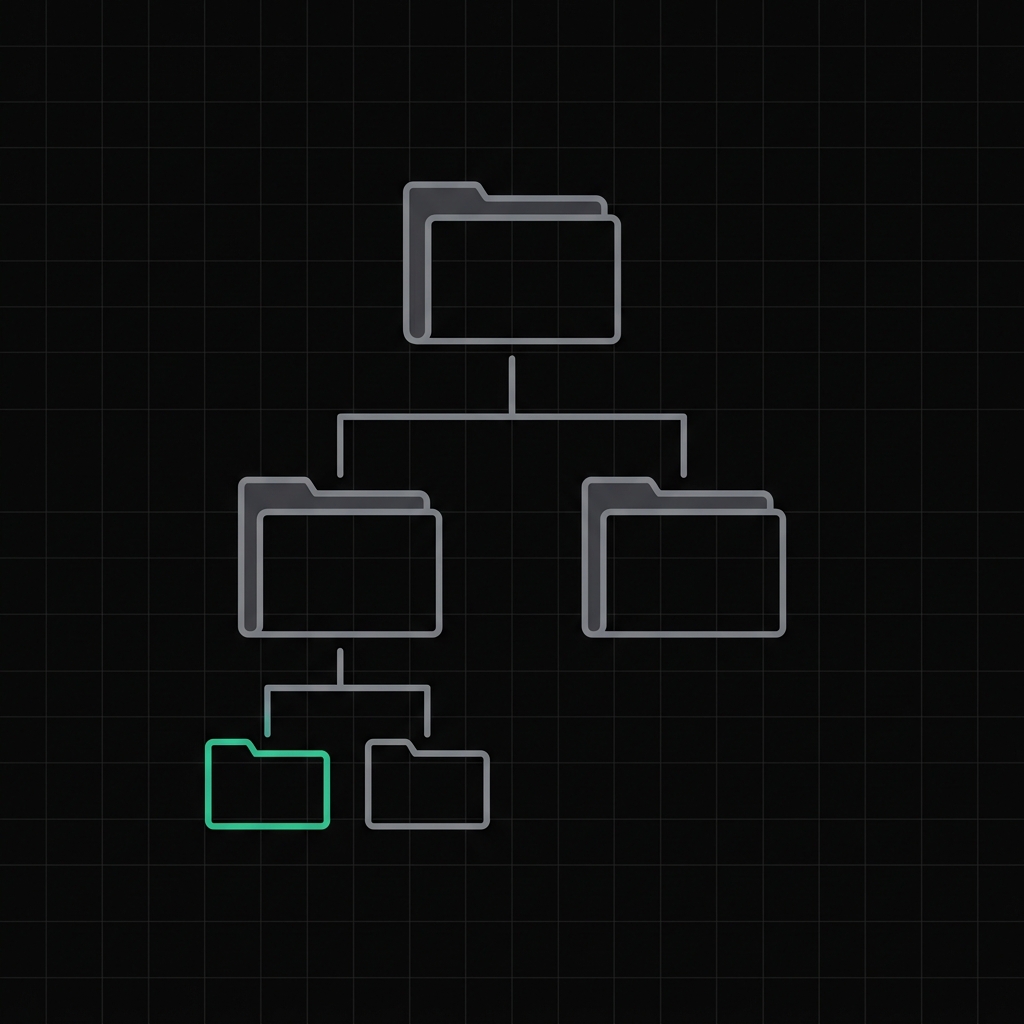
Secrets are organized into projects - namespaced collections that map roughly to your repositories or services. A project named my-app might hold DATABASE_URL, STRIPE_SECRET_KEY, and JWT_SECRET.
$ pock vault set DATABASE_URL postgres://... --project my-app
✓ encrypted and stored · my-app/DATABASE_URL

$ pock vault list --project my-app
my-app/DATABASE_URL   updated 2m ago
my-app/STRIPE_SECRET_KEY   updated 1d ago
my-app/JWT_SECRET   updated 3d ago
Projects let you pull exactly the secrets you need without exposing unrelated credentials to a given shell or process.
Web UI and CLI
The Vault is accessible from the web interface and from the pock vault CLI commands. Both use the same encrypted storage - there is no separate web-only or CLI-only backend. Whichever surface you use, the encryption model is identical.
pock vault set KEY value- store or update a secretpock vault get KEY- retrieve and decrypt a secretpock vault list- list secret names (not values) in a projectpock vault rm KEY- delete a secret
pock run - secrets as environment variables
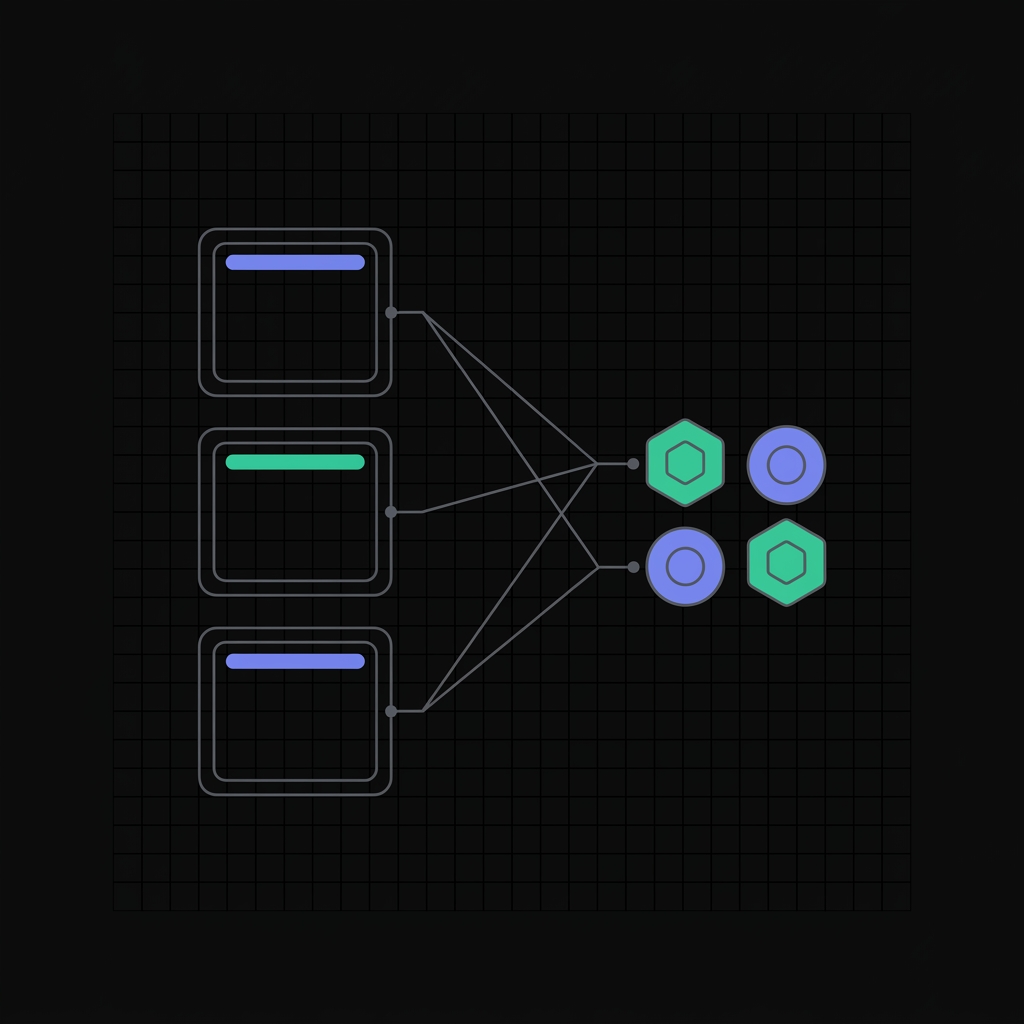
The most useful Vault feature for developers is pock run. It decrypts the secrets in a project and injects them as environment variables into a child process - without writing them to disk or printing them to a terminal.
$ pock run --project my-app -- node server.js
✓ unlocked vault · 3 secrets injected
starting server on :3000…
The child process sees the variables as a normal environment. They are never written to .env files, never logged, and disappear when the process exits. This makes it practical to remove .env files from developer workflows entirely.
Combining with dotenv conventions
If your app already reads from environment variables (the twelve-factor pattern), pock run is a drop-in. No code changes needed - just prefix your start command. CI systems that support env injection (GitHub Actions, Vercel, Cloudflare) work alongside Pock for deployed environments; pock run handles local development.
The Account Unlock Key model
The AUK is a random key generated once when you create your account. It never changes. When you add a new unlock method - a new passphrase, a recovery code, or Touch ID on a new device - the AUK is wrapped to that method and stored. Removing a method revokes only that wrap; all other methods still work.
This means adding a second device does not re-encrypt all your secrets. Only a new AUK wrap is created. The design keeps the number of re-encryption operations constant regardless of how many devices you use.
More on unlocking: Touch ID and WebAuthn PRF. More on the overall security model: zero-knowledge by design. See the docs for full CLI reference.